 1:52
Make Your Point with a Diss Track Generator
Start with an inside joke, a fictional rivalry, or your own lyrics. Create a complete diss track with rap vocals and a beat, from playful roasts to competitive bars.
1:52 2:08
 2:18
Five Ways to Use a Diss Track Maker
Turn a shared joke, a daily frustration, or an unfinished verse into something you can hear. Start with the situation you want to write about.

Friendly Roasts
Make a rap about the friend who is always “five minutes away.” Use shared stories and familiar phrases, with everyone in on the joke.

Social Media Content
Build a comedy clip or rap challenge around one clear idea. Give viewers a line they can catch on the first listen and a hook that brings the joke back.

Everyday Frustrations
Diss your snooze button, an overflowing inbox, or your own habit of leaving everything until tomorrow. Give the frustration a voice and turn the details into lyrics.

Rap Writing & Practice
Try out punchlines, rhymes, and different ways of saying the same thing. Hear your words over a beat, then rewrite the lines that feel crowded or lose their point.
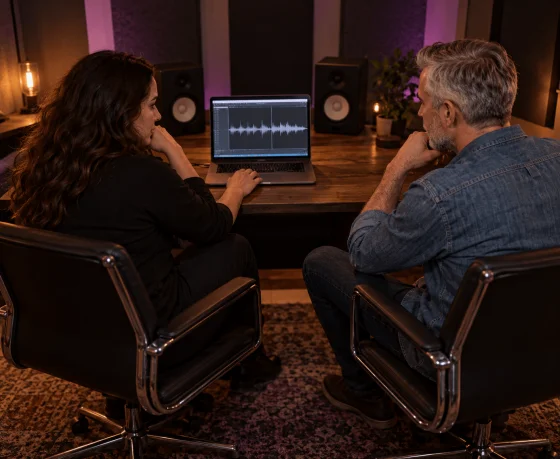
Original Music Projects
Develop your own diss lyrics into a complete song. Explore how the vocal delivery and backing music change the attitude of a verse or chorus.
How to Make a Diss Track That Gets Your Point Across
Give Musicful a clear angle, put your strongest lines into the lyrics, and listen to how they come across in the finished rap.



Step 1: Pick One Thing to Call Out
Describe the habit, contradiction, or situation behind the diss. Add two or three details: a fictional rival who brags before every match, disappears halfway through, then blames the connection. Choose whether the tone should be funny, sarcastic, or competitive.
Step 2: Put the Punchline into the Lyrics
Paste your original lyrics, or use Write Lyrics to develop your idea. Keep each setup focused and give the strongest line room to stand out. If you have a phrase you want repeated in the hook, include it in your lyrics.
Step 3: Listen for the Line That Lands
Click Create Song, then listen without reading along. Can you catch the key phrase? Does the setup take too long? If a line feels rushed, shorten it. If the joke feels generic, replace a broad insult with a specific detail.
Video Guides for Creating and Revising Your Diss Track
Watch Musicful’s rap creation workflow as a starting point for your diss track. Then see how Replace Lyrics lets you revise the words while keeping the melody—useful when you want to sharpen a punchline or rewrite a hook.

Musicful
37.8K subscribers

Grave Você Mesmo
95.3K subscribers
Take Your Diss Track into More Rap and Vocal Ideas
Give your punchlines the right backing with related rap, lyric, and beat tools. Ready to bring the verses together? Create your next diss track in the AI music generator.
Diss Track Generator Questions Before You Create
Describe who or what the song is about, the main joke or contradiction, and a few details worth mentioning. “A diss about my snooze button making me late every morning” gives the lyrics a clearer direction than “write something savage.” Add the tone you want, then use Write Lyrics to develop the idea.