 0:32
Create Crowd Chants with Musicful’s AI Chant Generator
Enter a team name, rally line, or complete chant lyrics. Direct the language, crowd-style vocals, rhythm, and mood, then use Get Stems when you need separate vocals or backing.
0:32 0:13
 0:18
Crowd Chant Generator Uses from Stands to Streams
Musicful turns short rally lines or complete lyrics into chant audio with voices and music. Creators can shape the language, vocal direction, rhythm, and mood for the place where people will hear or repeat it.
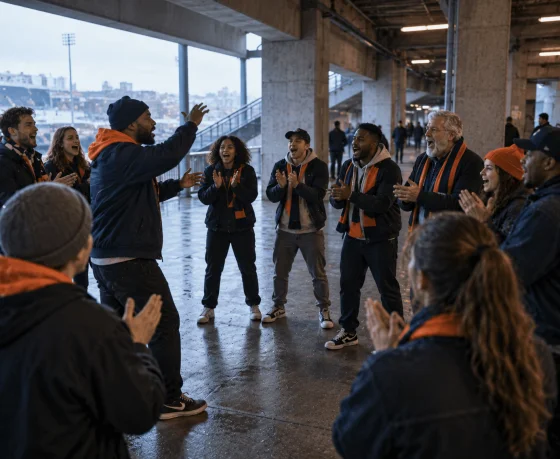
Supporter Groups and Fan Organizers
Turn a club name, player call, matchday phrase, or original terrace lyric into audio the group can learn before kickoff. Generate the chant in Musicful, then check whether the central line remains recognizable without reading along.

Coaches and Team Captains
Create a compact call for warmups, huddles, introductions, or post-game celebrations. Use the team name and a clear response pattern without turning the chant into a full anthem.
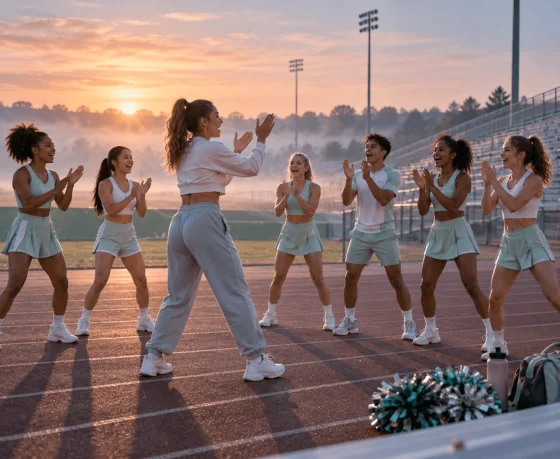
Cheer Squads and Pep Rally Leaders
Develop a short cheer chant around a mascot, school name, score cue, or audience response. After generation, use Get Stems when you need an isolated vocal for rehearsals or want to check whether claps, stomps, or drums are covering important words.
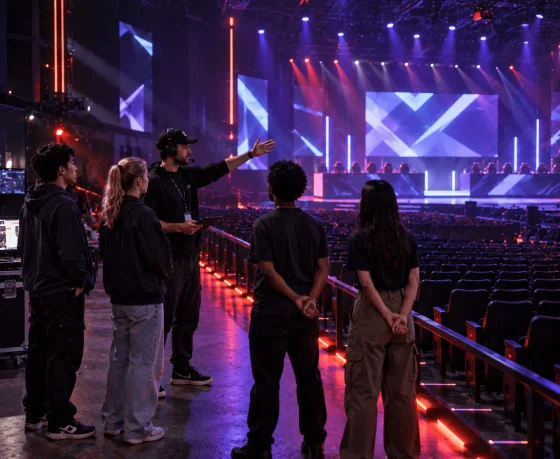
Esports and Tournament Producers
Make an original audience call for a team entrance, round win, player introduction, or live-stream transition. Leave deliberate gaps where spectators or viewers can answer the lead phrase.

Sports Editors and Podcast Creators
Build chant audio around an original phrase for match recaps, fan podcasts, player features, and short sports edits. Download the complete track or use Get Stems for separate backing and isolated vocals during later production.
Use the Musicful Chant Generator in Three Steps
Begin with the words people must recognize, then use Musicful to shape how the voices, pauses, and rhythm work together. Keep the main response clear before adding more musical detail.


Step 1: Reduce the Message to One Crowd Line
Put the team, player, school, or rally message into the shortest line people must remember. Read it aloud at a steady pace and remove any words that make the response difficult to repeat together.
Step 2: Leave a Clear Place for the Crowd to Answer
Direct a unified group delivery or a leader followed by a short response. Use pauses, claps, stomps, or drums to mark the entry point, but keep enough space for the central words to remain understandable.
Step 3: Separate a Vocal That Gets Buried
If the name or response disappears in the full mix, use Get Stems to hear the vocal separately. Correct the pronunciation or simplify the backing based on what you hear, then export the chant for rehearsal or production.
Meet Musicful Before Using the Chant Generator
Explore selected creator recommendations and official Musicful videos for a broader look at the platform and its music creation possibilities. When you are ready to make your own crowd audio, return to the Chant Generator and start with a team name, rally line, or complete lyrics.

Musicful
32.4K subscribers

Música Artificial
1.89K subscribers
Take a Crowd Chant into a Complete Team Production
Once the crowd hook works, use Musicful to place its words or rhythm in a wider production. Rework the idea with the AI Music Generator, or choose a related tool for a cheer track, jingle, vocal, beat, or backing arrangement.
Get Better Results from the Crowd Chant Generator
Put the team, player, or central message in the shortest line. Repeat that line and use a predictable response instead of adding several verses. Read it aloud at a steady pace before entering it in Musicful. If you need to take a breath halfway through or explain where every emphasis belongs, the wording may still be too complicated for a group chant.