 0:15
0:15Create Custom Intros with an AI DJ Drop Generator
Turn a DJ name, catchphrase, or recorded voice into a distinctive intro, radio ID, or event shoutout.
0:15 0:11
0:11 0:10
0:10AI DJ Drop Generator Ideas for Every Mic Moment
A memorable drop has a specific job: signal a transition, introduce an identity, energize a crowd, or make a show recognizable within seconds. Musicful supports quick name drops as well as more directed creations using your wording, language, reference audio, and authorized custom voice.
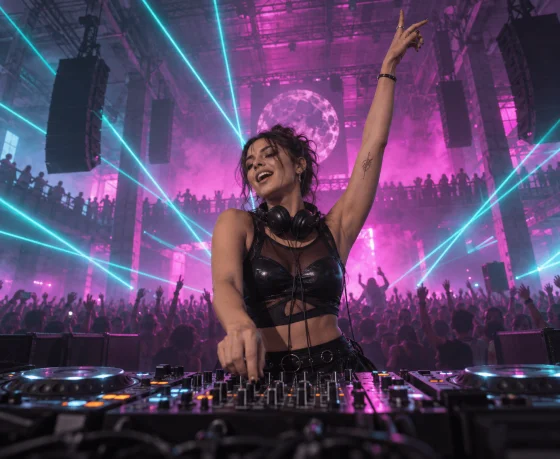
Club DJs and Live Performers
Open a set, mark a transition, or bring your name back into the room without interrupting the energy. A short pause before the DJ name often makes it easier to hear over a loud mix.

Radio Hosts and Online Stations
Create station IDs, show openers, segment cues, and scheduled-program introductions with consistent wording and voice direction across different episodes.
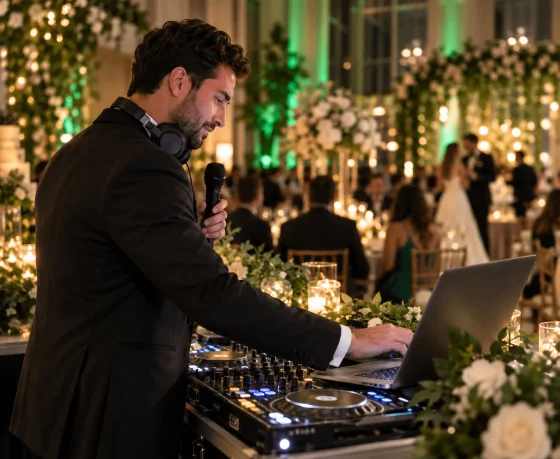
Wedding and Event DJs
Introduce a couple, announce a birthday entrance, or create a personalized event opener using names, dates, locations, and details supplied by the client.
Streamers and Podcast Creators
Turn a channel name or recurring phrase into a recognizable audio cue for intros, live reactions, episode transitions, and special segments.
Producers and Custom Voice Creators
Use an uploaded recording, an authorized Voice, or a trained custom voice to shape producer tags and vocal signatures that fit a wider track.
Build a Signature Sound with the AI DJ Drop Generator
Start with your DJ name, station ID, event message, or signature phrase. Musicful lets you direct the voice, language, mood, music style, and timing, or bring in your own authorized voice. For longer tracks beyond a short drop, continue creating with the AI Music Generator.



Step 1: Write the Line Exactly as It Should Be Heard
Enter the DJ name, station ID, event message, or signature phrase. Add phonetic spelling for unusual names and mark where the voice should pause, especially when the name needs to land as the main reveal.
Step 2: Build a Recognizable Voice Identity
Direct the language, vocal character, mood, and music around the line. Choose a delivery that fits the setting, from a clean radio ID to a commanding club intro, without letting effects obscure the name.
Step 3: Place the Drop Against a Real Transition
Preview the drop before a beat change, show opening, or spoken segment. If it enters too early or the name disappears, shorten the lead-in or simplify the backing. Download the final MP3, WAV, or MIDI.
See Musicful in Action Before Recording Your DJ Drop
Watch selected creator recommendations and official Musicful videos to get familiar with the platform and its creative possibilities. Then return to the DJ Drop Generator with your name, signature phrase, or event message.

Musicful
32.4K subscribers

Young Simba empire
37.3K subscribers
Take Your DJ Drop into a Bigger Production
A drop may be the opening move rather than the finished project. Explore Musicful to turn the same name, message, voice, or sonic identity into branded jingles, rap vocals, backing tracks, club music, and event-ready songs.
Before You Put Your DJ Drop on Air
Write the name the way it should sound and add pronunciation guidance in the description. Separating initials, spelling out numbers, or adding a phonetic version can improve unusual names. Always listen to the isolated voice as well as the complete drop: a pronunciation that sounds clear alone may become harder to understand once music is added.