 1:49
Make Your Own FNF Song with Beats and Vocals
Create an arcade-style track from a description or authorized reference audio. Choose lyric-based singing, rhythmic synthetic vocals, or an instrumental arrangement.
1:49 2:36
 2:17
Ways Creators Use an FNF Song Maker
Create original FNF music for animations, rhythm-game projects, character scenes, comedy edits, or electronic music experiments. Start with the intended scene, then choose whether the track needs lyric-based singing, rhythmic synthetic vocals, or an instrumental arrangement.

Fan Animators and Story Artists
Create original FNF-style music for an animated confrontation, character entrance, chase, or comic scene. Describe the setting and energy changes so the soundtrack follows the action instead of repeating one intensity throughout.
Rhythm Game Soundtrack Creators
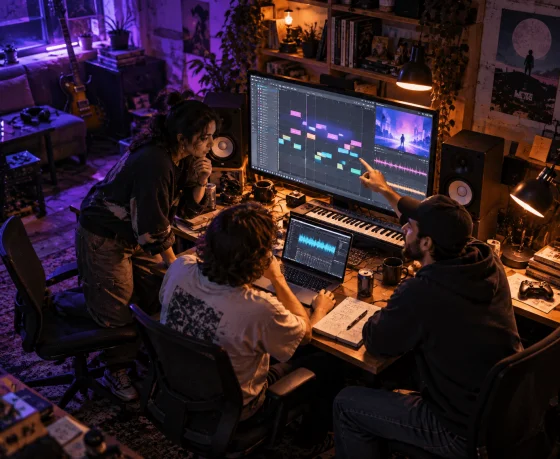
Generate an original instrumental or vocal track before handling note charts and game integration in separate software. Changes in tempo, rhythm density, and section length can provide useful musical landmarks for later production.

Short-Form Comedy Editors
Make energetic FNF music for animated arguments, reaction videos, parody scenes, and fast visual edits. Clear pauses, drum changes, and short vocal sounds can help editors align important reactions with the track.
Beginner Electronic Music Creators
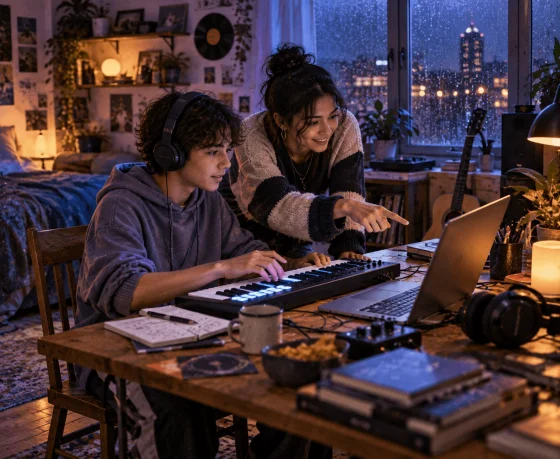
Explore how chiptune leads, breakbeats, bass movement, pauses, and synthetic vocal sounds work together without programming every layer manually. Compare focused variations to identify which musical change improves the track.
Vocal and Character Sound Creators
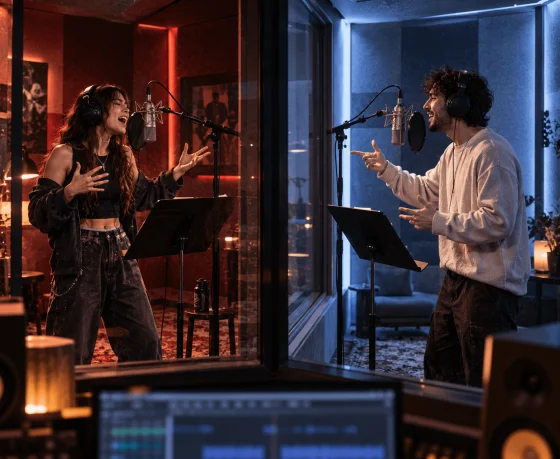
Experiment with original lyric-based singing, synthetic vocal sounds, short hooks, or contrasting voice treatments. Use your own recording, an authorized Voice, or a permitted custom voice model, then check whether the vocal part remains clear over the instrumental.
Build an Original Track with the FNF Song Maker
Turn a sound description or authorized reference audio into original FNF music. Define the beat, choose the type of vocals or instrumental mode, and refine the elements that shape the finished track.


Step 1: Plan the Scene as a Musical Face-Off
Describe who or what drives the scene, how the tension begins, and where the music should become more intense. Use arcade leads, breakbeats, bass movement, or sudden pauses to support that progression.
Step 2: Give the Vocals a Gameplay Role
Choose lyric-based singing, short hooks, rhythmic synthetic syllables, or an instrumental track. Decide whether the vocal should answer the lead sound, interrupt the beat, or mark a change between sections.
Step 3: Make Each New Section Raise the Stakes
Check whether the track develops or simply repeats its opening energy. Strengthen one later section with denser drums, a sharper lead, a vocal change, or a deliberate pause, then keep the version with the clearest musical escalation.
Explore Musicful Before Building Your FNF Track
Use these creator and official videos to learn more about Musicful as a music creation platform. Then bring your own arcade-inspired sound, vocal direction, or instrumental concept to the FNF Song Maker.

Musicful
32.4K subscribers

AI音楽部
8.43K subscribers
More Tools for Your FNF Song
After creating an FNF song, reopen the idea in Musicful’s AI Music Generator or use the related tools below to develop its 8-bit sound, instrumental, lyrics, vocals, or heavier music style.
FNF Song Maker Questions Before You Generate
Name a few audible elements instead of requesting only “FNF music.” Describe the tempo or energy, drum style, bass movement, lead sound, vocal treatment, and any section change you need. For example, combine chiptune leads, punchy breakbeats, funky bass, short synthetic vocal phrases, and a more intense final section.