
 3:37
3:37Create Metal Music from Lyrics, Riffs, or a Recorded Idea
Start with a description, complete lyrics, or an original riff you record. Generate a full metal song with vocals or choose an instrumental arrangement.
3:37 3:21
3:21 3:42
3:42Five Ways Creators Use an AI Metal Music Generator
Creators arrive with different starting materials. A guitarist may already have a riff, a lyricist may have complete words, and an editor may only know what a scene should feel like. Musicful supports these different paths through Audio, Lyrics, Description, Voice, and Instrumental workflows.
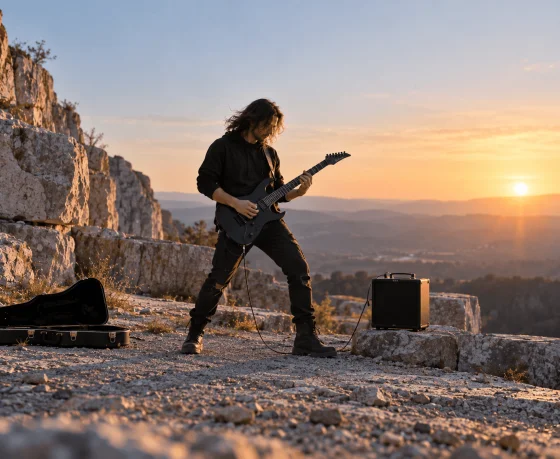
Guitarists Developing Original Riffs
Record an original guitar riff and upload it through Audio mode. Musicful can develop the idea with drums, bass, additional guitar layers, and song structure, giving the guitarist a complete demo to evaluate before recording every instrument.

Lyricists Writing Metal Songs
Bring complete lyrics or use Write Lyrics for Me to develop an original theme. In Lyrics mode, organize the verses, chorus, bridge, and vocal tags so Musicful can build a sung Metal arrangement around the words.
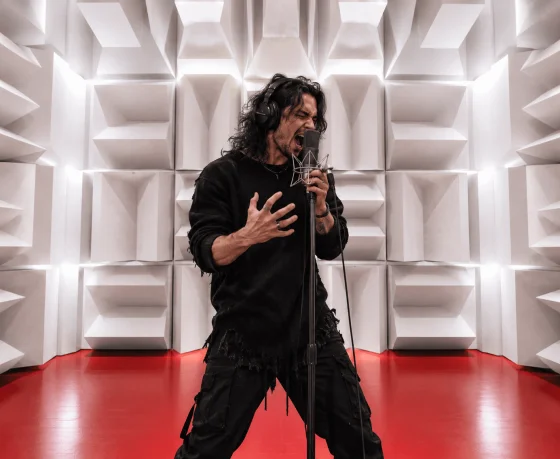
Vocalists Testing Metal Performances
Generate an original backing song for clean singing, screams, growls, or contrasting vocal sections. Vocalists can test breathing, phrasing, and transitions against a complete arrangement or use an authorized trained Voice to hear how the written part fits.
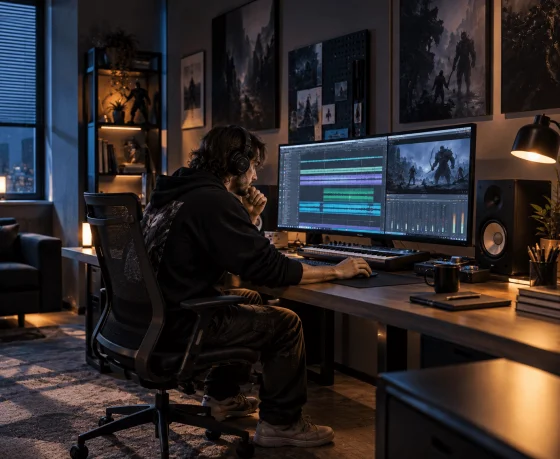
Editors Creating Instrumental Metal
Use Description mode with Instrumental enabled to create original Metal music without generated vocals. Shape the riff density, drum intensity, atmosphere, and section changes around a boss encounter, combat montage, horror trailer, or action sequence.
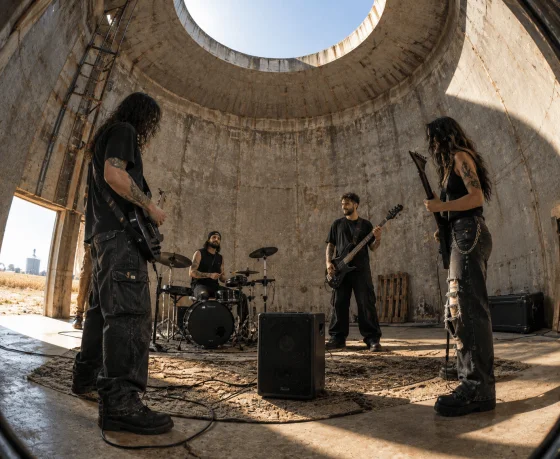
Bands Previewing New Arrangements
Use a rehearsal recording or written concept to preview how a new song could develop before the whole band learns it. Compare the placement of riff returns, vocal entrances, quieter passages, breakdowns, and the final section.
Create a Metal Song with Musicful
Musicful already provides the Metal creation setup. Begin with the subject of the song, decide how lyrics and vocals should contribute, then generate the track and inspect the result against the Metal direction you selected.



Step 1: Give the Metal Song a Clear Subject
Describe the conflict, emotion, world, or event behind the song, or enter original lyrics you have already written. A clear subject gives the riffs, vocal delivery, atmosphere, and section changes one creative direction instead of producing intensity without a purpose.
Step 2: Decide How the Vocals Should Enter
Choose a vocal Metal song or enable Instrumental when the guitars and drums should carry the track. For lyrics, direct clean singing, screams, growls, or contrasting sections with supported vocal tags, or select an authorized Voice when appropriate.
Step 3: Generate the Song and Check the Metal Direction
Create the complete song in Musicful, then check whether the riff, drums, vocals, and section changes follow the Metal direction you selected. If the result becomes generic rock or every section has the same intensity, revise only the mismatched element before generating again.
Watch Musicful Build a Guitar-Driven Song with AI
Watch Musicful turn a genre idea into a complete guitar-driven song by coordinating lyrics, vocals, riffs, drums, and arrangement in one workflow. Although the tutorial uses Punk, the same creation process can help you develop Heavy Metal, Death Metal, Metalcore, or an instrumental Metal track. The second video offers an independent overview of Musicful’s wider creation workflow.

Musicful
34.9K subscribers

Techvid Ai
14.7K subscribers
Take a Metal Riff into Vocals, Backing Tracks, and New Genres
A riff can become a complete song, an instrumental backing track, or the starting point for a different heavy production. Explore Musicful when the next version needs new vocals, rhythmic pressure, orchestral scale, or electronic detail.
Metal Song Generator Questions from Riff to Final Mix
“Heavy guitars and powerful drums” is too broad to establish a Metal subgenre. Choose one direction and define the relationship between its riff, drums, vocals, and atmosphere. For example, a Death Metal track may need lower guitar tuning, more extreme drumming, harsh vocals, and a denser atmosphere. Change one element at a time so you can identify what moves the result closer to the intended style.