
 2:43
2:43Build a Backing Track Around Your Performance
Describe the instrumental support you need, from an acoustic rehearsal bed to a full-band arrangement. Generate original music with room for your voice, instrument, or next idea.
2:43 3:20
3:20 2:57
2:57Where the Lead Part Needs Music Behind It
Musicful can generate an original instrumental around the part you plan to add later. Define whether the open space is for a singer, solo instrument, spoken section, lesson, or stage performance before describing the band behind it.
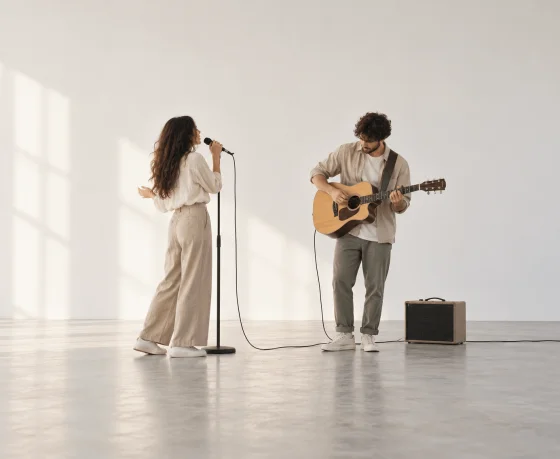
Vocalists and Instrumentalists
Create accompaniment for singing, solo practice, auditions, cover preparation, or recording. Describe the instruments and musical direction you want behind the part you will perform.

Songwriters and Composers
Turn a musical direction into an instrumental draft before the final vocal or lead melody is ready. Use the track to test the structure, mood, and movement of a new song.

Music Teachers and Students
Prepare accompaniment for lessons, repeated exercises, ear training, or group practice when a live accompanist is not available for every session.

Video, Podcast, and Game Creators
Generate instrumental music for an intro, spoken segment, montage, game scene, or background sequence without relying on a generic stock track.
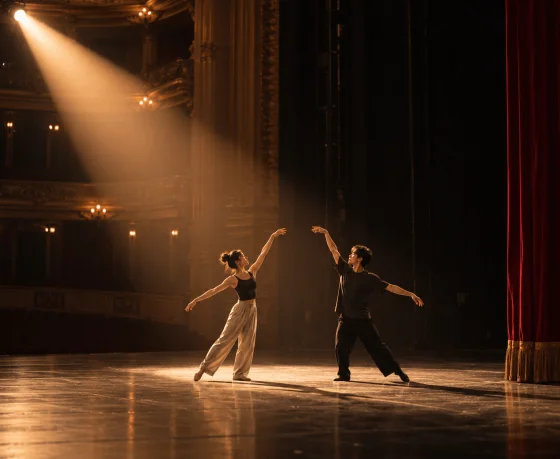
Dance, Theatre, and Live Production Teams
Build music for rehearsal cues, stage transitions, movement sections, or live performance moments that need a clear beginning, development, and ending.
Make a Backing Track with Musicful in Three Steps
Tell Musicful what the backing track is for, turn on Instrumental mode, and describe the style and instruments you want. After the track is generated, try singing, playing, or placing it under your content before deciding what to change.



Step 1: Tell Musicful What the Track Is For
Start with one clear purpose: singing practice, a guitar solo, a songwriting demo, a video, or a stage rehearsal. Then turn on Instrumental mode so Musicful generates the music without a lead vocal.
Step 2: Describe the Style and Instruments You Need
Write a short prompt with the genre, mood, main instruments, and arrangement direction. For example: “Warm acoustic pop backing track for vocal practice, with piano, soft guitar, steady drums, a gentle verse, and a fuller chorus.”
Step 3: Test the Track in Its Real Use
Generate the track and use it once as intended: sing over it, practise the lead instrument, or place it under the video. If the music covers the main part, regenerate with fewer instruments or a simpler arrangement. If it feels too empty, request a stronger rhythm section or a fuller chorus.
Backing Track Video Guide: Start with a Beat
The official tutorial shows how to create a beat with Musicful and develop an instrumental idea. The second video reviews Musicful V3.0 from a creator’s perspective, helping you understand the current workflow before making your own backing track.

Musicful
32.4K subscribers

님그거수노로만들었죠
1.43K subscribers
Take an Original Backing Track into a Finished Production
A backing track can become the foundation for a vocal song, rap performance, genre production, rehearsal, or visual project. Continue with the related tools below when the next version needs lyrics, vocals, or a more specific musical direction.
Backing Track Maker Questions Before You Rehearse or Record
Include the purpose, genre, mood, main instruments, and the way the arrangement should develop. For example: “Warm acoustic pop backing track for vocal practice, with piano, soft guitar, steady drums, a gentle verse, and a fuller chorus.” For a guitar practice track, you could write: “Mid-tempo blues-rock backing track with rhythm guitar, bass, and drums, leaving the lead guitar part open.”